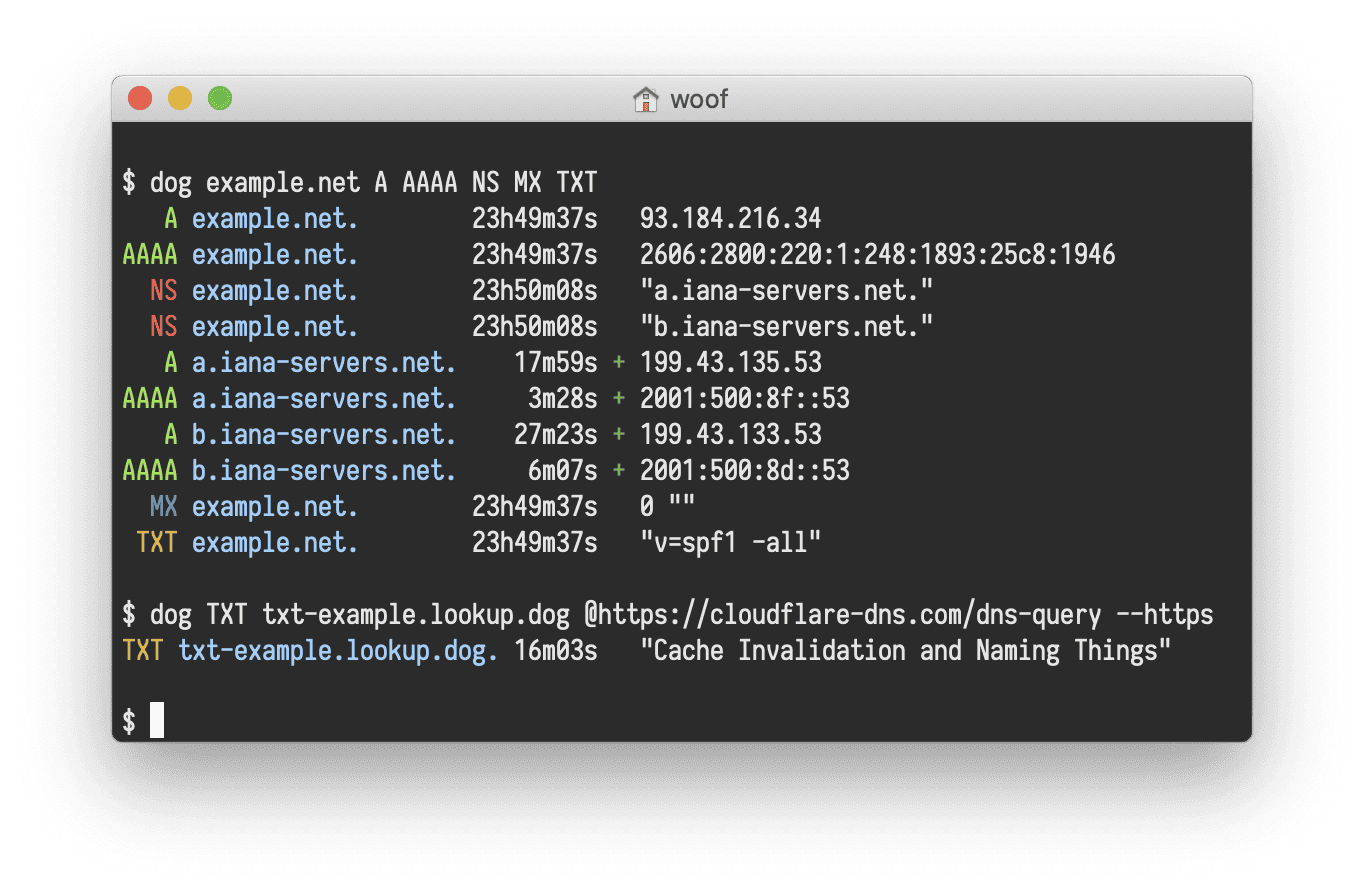
Resolve A records via Cloudflare (default record type)
Run 'dog example.com @1.1.1.1' to query A records over Cloudflare's public resolver. dog defaults to A when no record type is given, and the explicit @1.1.1.1 sidesteps the host's default resolver (which may be unreachable on a locked-down server - symptom: 'No such host is known. (os error 11001)'). ANSI escapes are stripped by the demo's sanitizer.
Resolve MX records over a specific nameserver
Run 'dog example.com MX @1.1.1.1 --time' to query MX records via Cloudflare's public resolver (1.1.1.1) and print how long the response took. dog's positional argument parser figures out which token is the host, the record type, and the nameserver.
JSON-formatted DNS response (via Cloudflare)
Run 'dog example.com @1.1.1.1 --json' and surface the structured response: queries[], answers[], authorities[], additionals[], each entry with type, class, ttl, name, and a value object specific to the record type. The explicit @1.1.1.1 picks Cloudflare's resolver so the demo works even when the host's default DNS is unreachable. JSON is pretty-printed before display.
# dog - Help

Source: https://github.com/ogham/dog

```
dog � command-line DNS client

Usage:
  dog [OPTIONS] [--] <arguments>

Examples:
  dog example.net                          Query a domain using default settings
  dog example.net MX                       ...looking up MX records instead
  dog example.net MX @1.1.1.1              ...using a specific nameserver instead
  dog example.net MX @1.1.1.1 -T           ...using TCP rather than UDP
  dog -q example.net -t MX -n 1.1.1.1 -T   As above, but using explicit arguments

Query options:
  <arguments>              Human-readable host names, nameservers, types, or classes
  -q, --query=HOST         Host name or IP address to query
  -t, --type=TYPE          Type of the DNS record being queried (A, MX, NS...)
  -n, --nameserver=ADDR    Address of the nameserver to send packets to
  --class=CLASS            Network class of the DNS record being queried (IN, CH, HS)

Sending options:
  --edns=SETTING           Whether to OPT in to EDNS (disable, hide, show)
  --txid=NUMBER            Set the transaction ID to a specific value
  -Z=TWEAKS                Set uncommon protocol-level tweaks

Protocol options:
  -U, --udp                Use the DNS protocol over UDP
  -T, --tcp                Use the DNS protocol over TCP
  -S, --tls                Use the DNS-over-TLS protocol
  -H, --https              Use the DNS-over-HTTPS protocol

Output options:
  -1, --short              Short mode: display nothing but the first result
  -J, --json               Display the output as JSON
  --color, --colour=WHEN   When to colourise the output (always, automatic, never)
  --seconds                Do not format durations, display them as seconds
  --time                   Print how long the response took to arrive

Meta options:
  -?, --help               Print list of command-line options
  -v, --version            Print version information
```